
Help that reaches the right person.
Tickets arrive by the portal or by email and land in the right department, with the client's whole history beside them. Articles, updates and downloads answer the rest before anyone writes in.
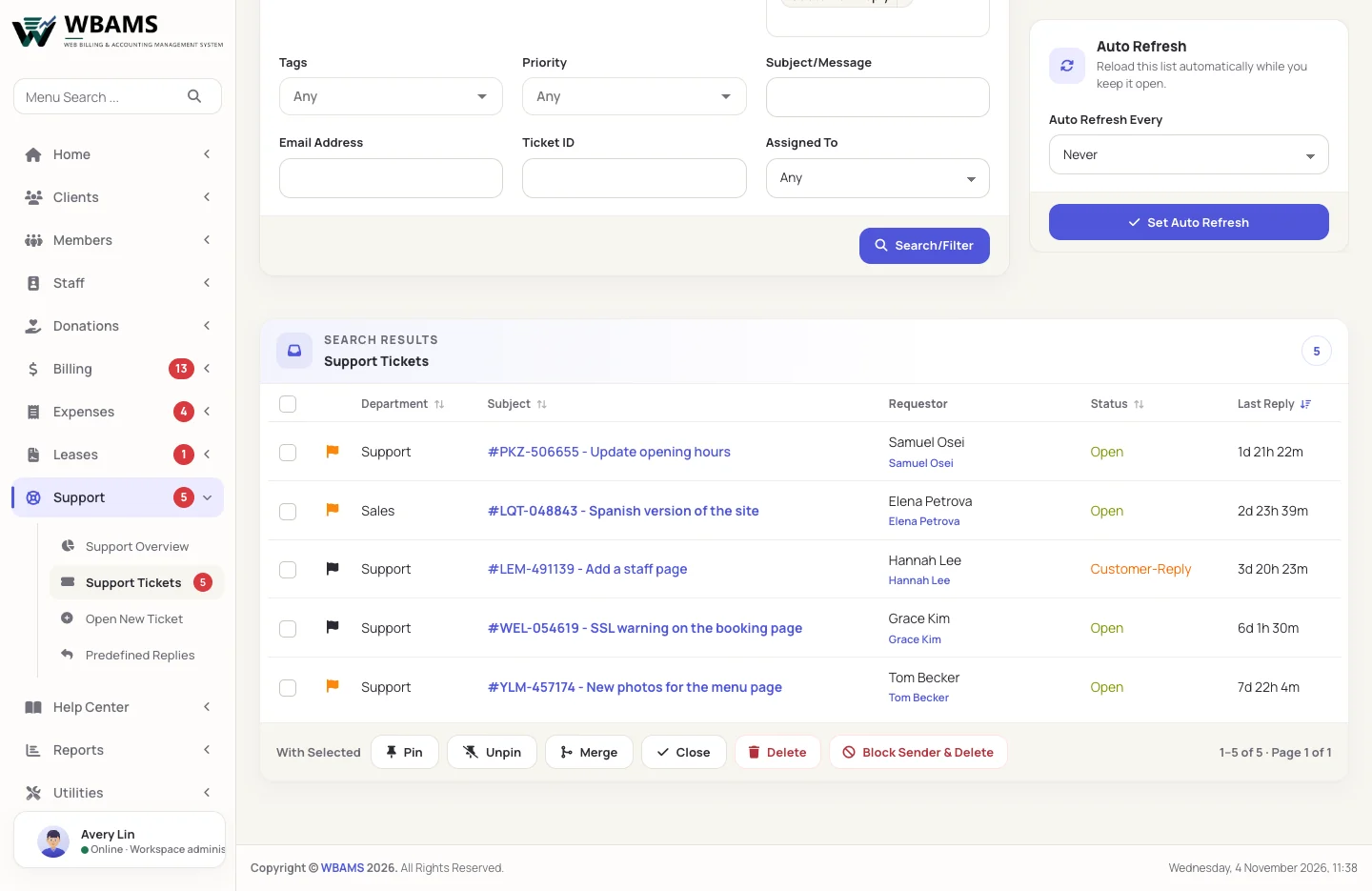
One ticket, from question to answer
Departments decide who owns a question; the ticket keeps the conversation and everything around it together.
-
 01 Ask
The client picks a department
In the portal or by email to the department's address. Replies by email are filed against the ticket, by mail import or by piping.
-
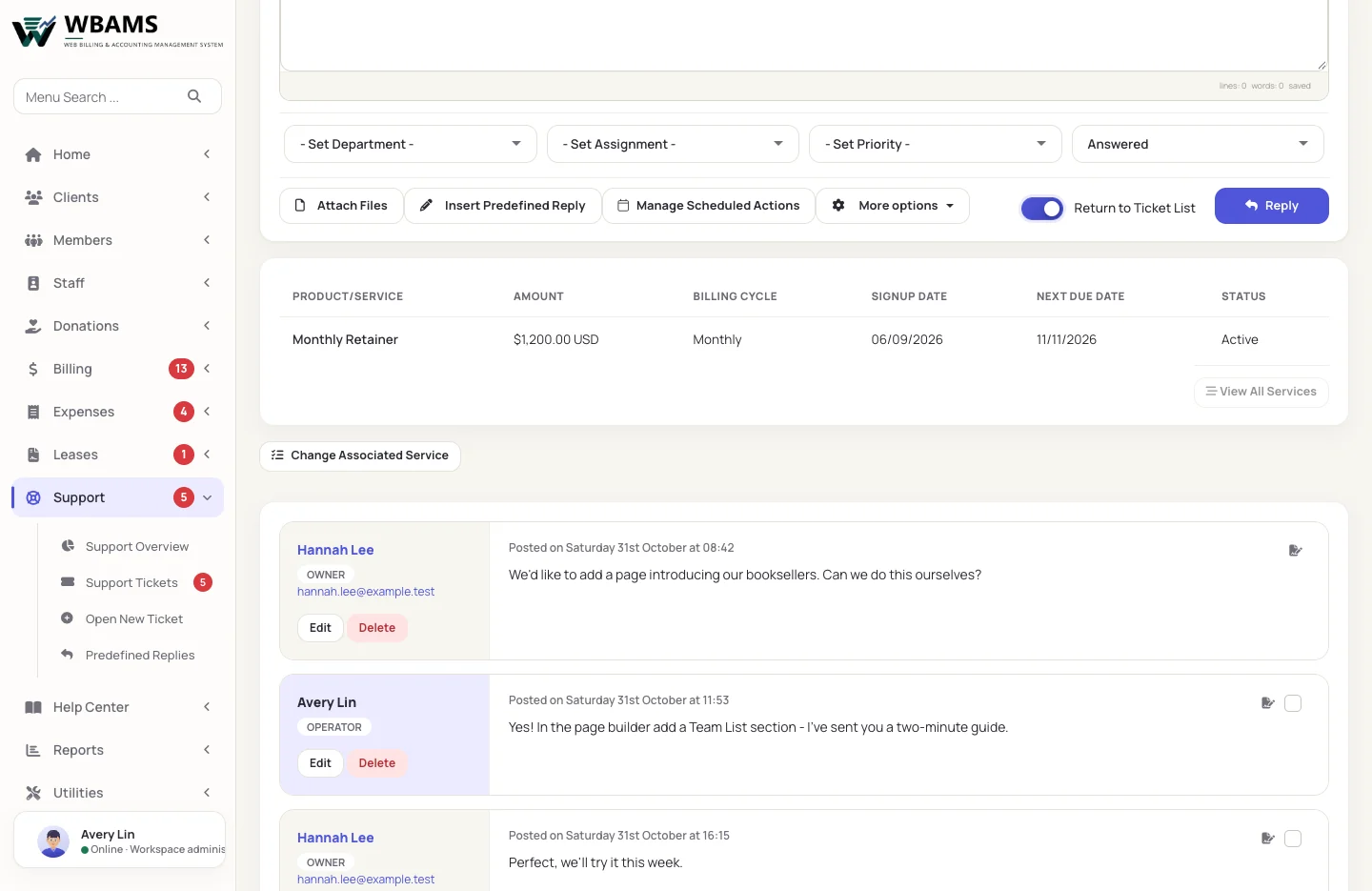
02 Answer
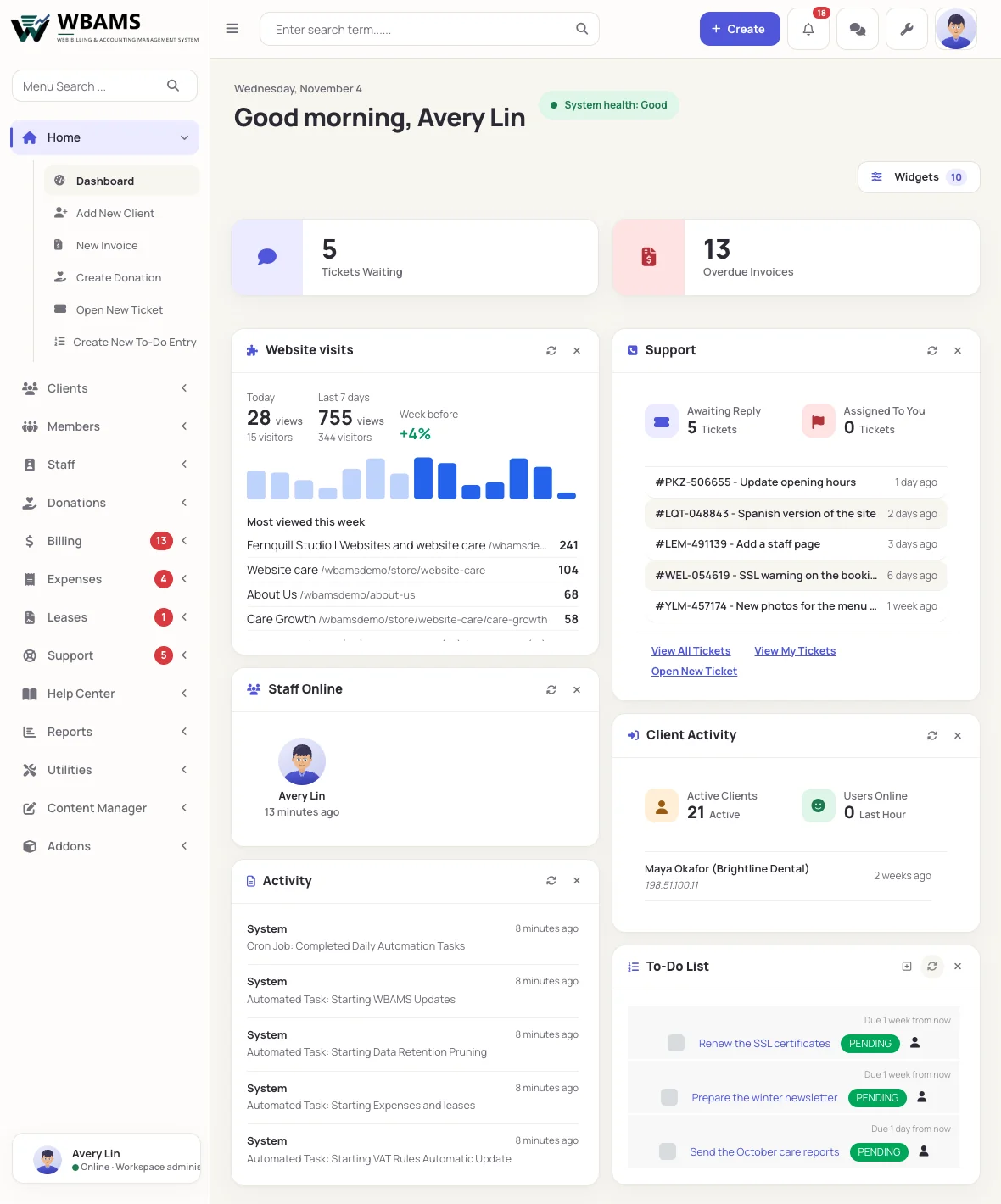
Your team sees the whole story
The thread, attachments, the client's services and recent billing sit beside the reply box, with predefined replies for the common answers.
-
 03 Route
Departments, statuses and escalations
Each department has its own address, autoresponder, feedback request and closing rules. Escalations move tickets that wait too long.
-
 04 Measure
See how the desk is doing
New tickets, replies, first-response time and the busy hours, with reports on replies, feedback scores and tags.
Answers before anyone has to ask
Two systems for two kinds of reading: a knowledgebase for how things work, and a newsroom for what has changed.
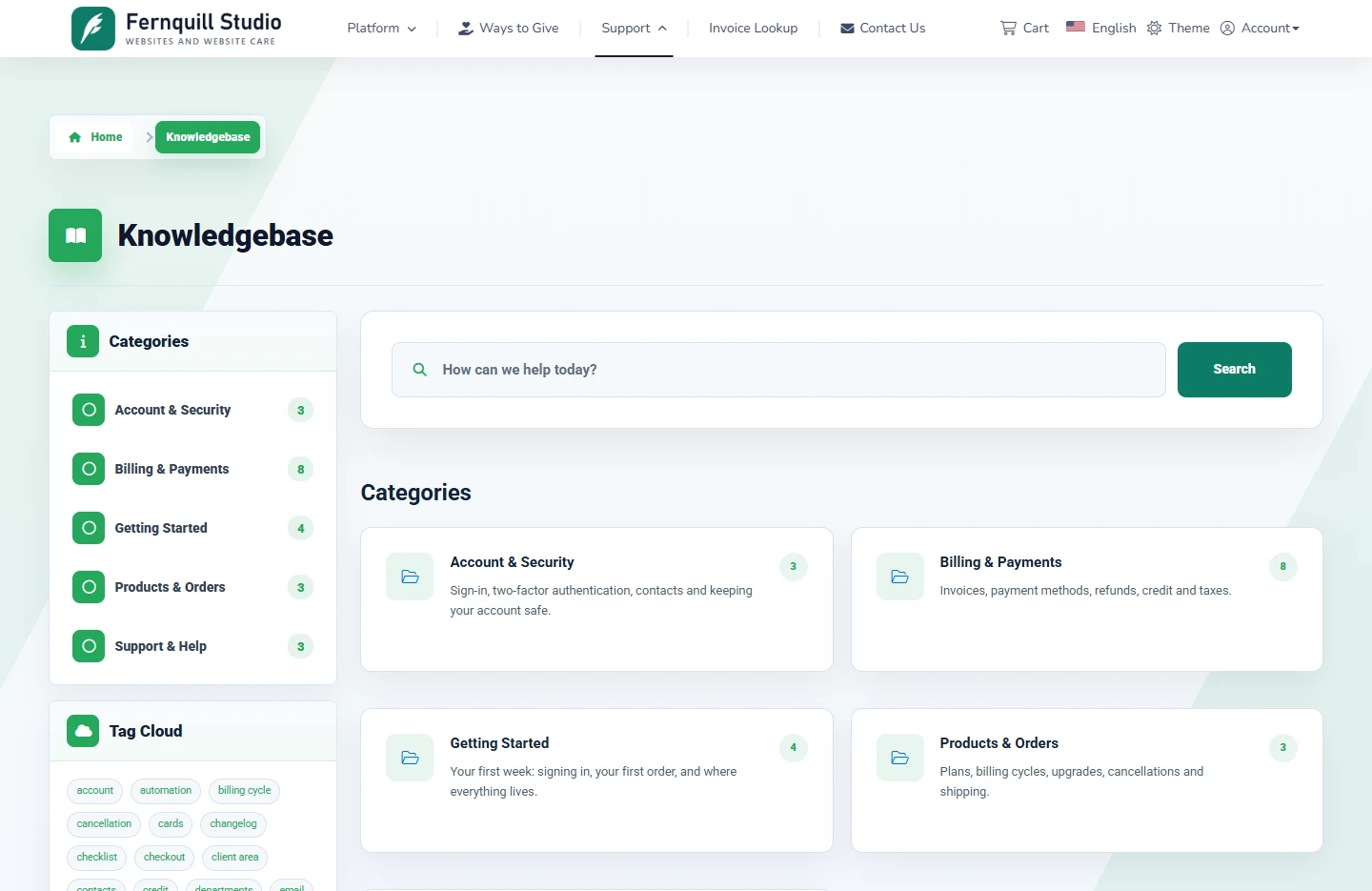
Knowledgebase A resource center that reads well
Reference, how-to, tutorial, FAQ, troubleshooting, policy and seven more templates, each with blocks of its own. Our knowledgebase
Updates A newsroom
Release notes, launches, notices, service status and maintenance windows, with categories and a feed. Our updates
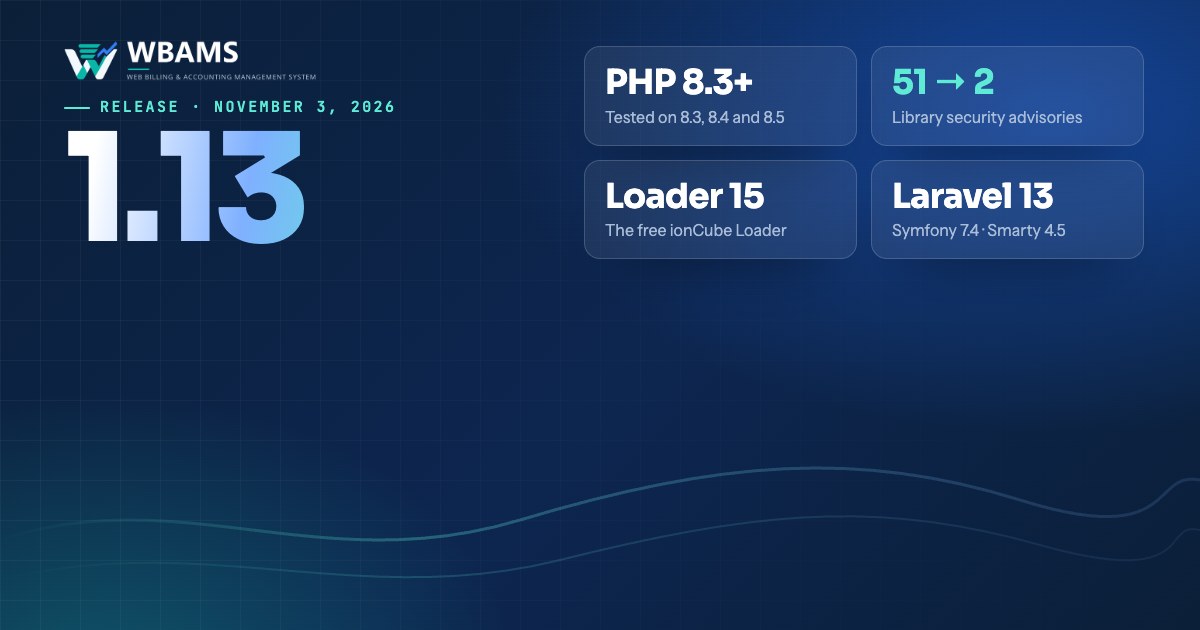
The latest from WBAMS
This section is the Updates newsroom itself: every release below was published with it.
About support
Yes. Point the department's address at WBAMS with email piping, or let the scheduler collect replies from the mailbox. Either way the message is filed against the right ticket.
Yes, along with its priority, status and owner. Notification rules can tell the team when it happens.
Only signed-in clients. Visitors are asked to sign in, and the article is left out of every list, search and the sitemap for them.
Yes. The knowledgebase, updates and events each have a switch; turned off, their pages and links leave the website and their records are kept.
Yes. Articles have readable addresses, and the older numbered addresses redirect to them permanently.
Give every question an owner
A support desk and a help center in the same system as your clients and billing.
Powered by WBAMS