
Your data, on your server.
WBAMS runs on your own server, in your own database. Roles decide who sees what, two-factor guards the control panel, and every update is checked file by file before it is installed.
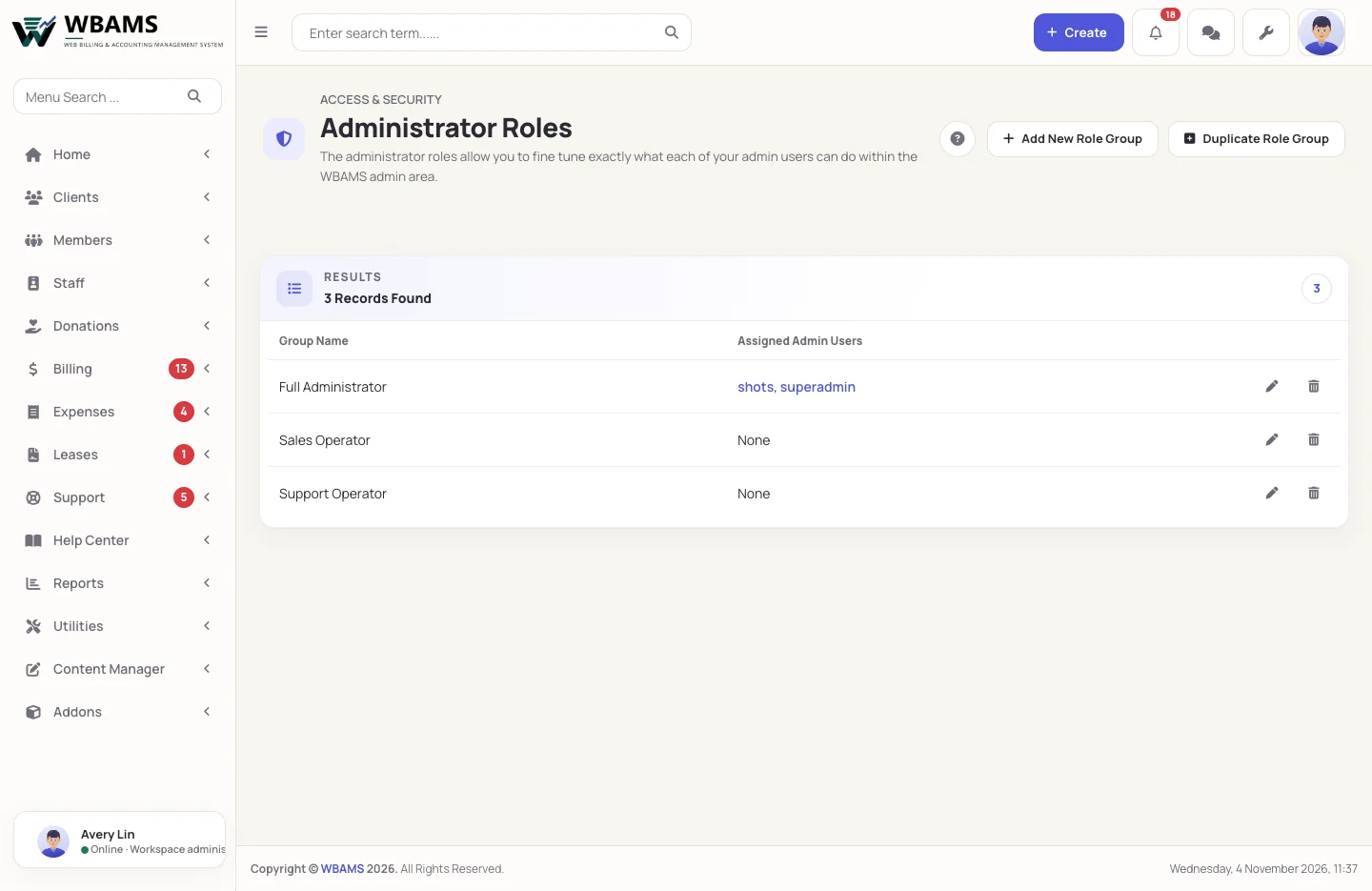
Your clients, invoices and tickets live in your database, on your server, under the backups and policies you already keep.
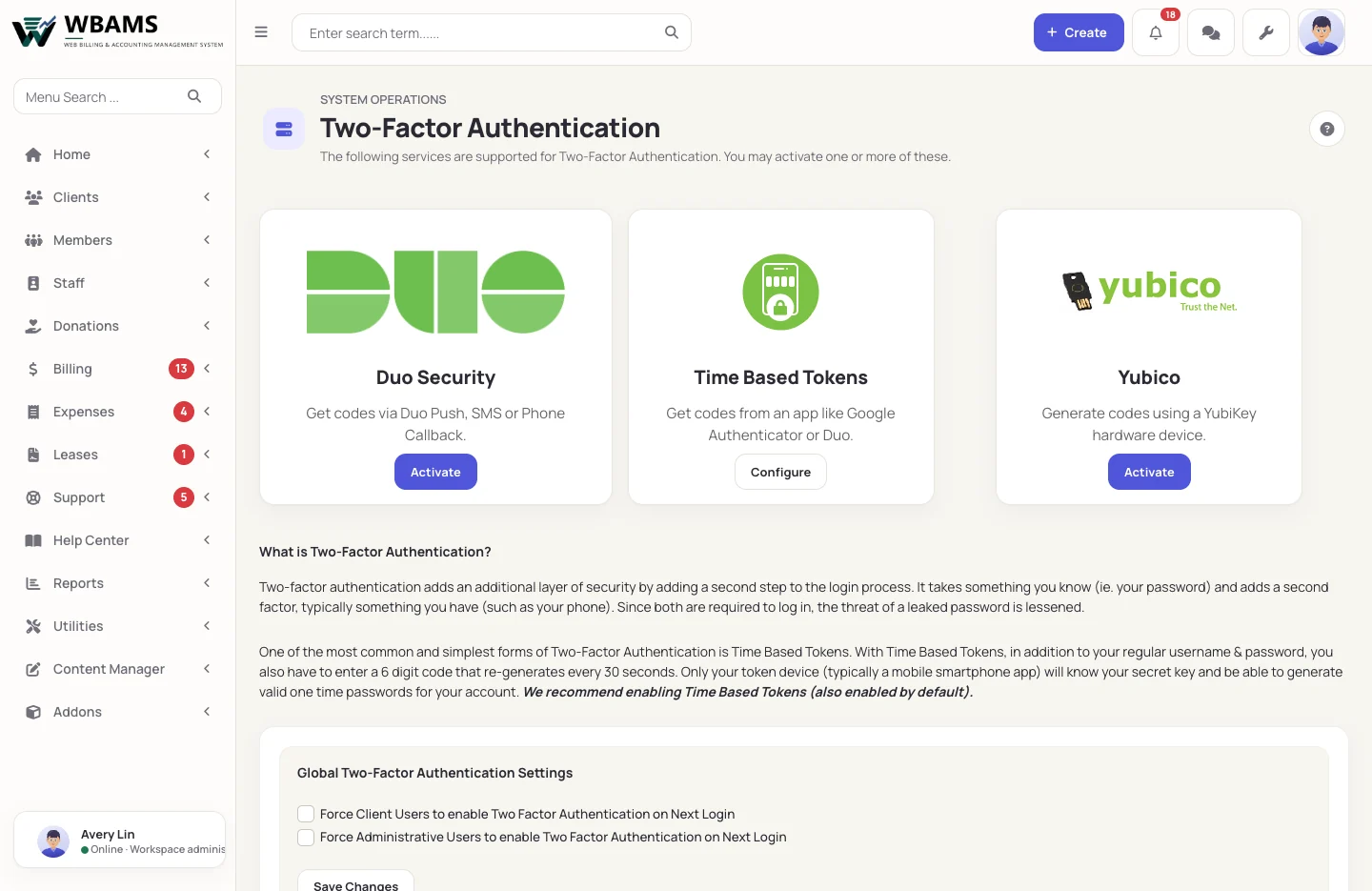
A second step for the accounts that matter most
The administrator who can refund, read every record and change payment settings deserves more than a password.
Time-based tokens
Codes from an authenticator app such as Google Authenticator. No outside service needed.
Duo Security
Codes by Duo Push, text message or phone call.
YubiKey
A code from a YubiKey hardware key.
Protection at every door
How WBAMS installs a release
-
1Check
A signed answer
WBAMS asks the license server for the newest release on its channel; an answer whose signature fails is refused. -
2Download
An expiring link
The package arrives on a download token that expires, never from a public address. -
3Verify
Every file checked
The package is checked against its published SHA-256, and each file against the package's own manifest. -
4Install
With a way back
Every file it replaces is copied aside first, so a failure part way through restores what was there. -
5Keep
Your files untouched
settings.php, your .htaccess, storage and your uploads are never overwritten, and add-ons are never removed.
About security
You do. WBAMS installs on your server or hosting account and keeps its data in your MySQL or MariaDB database.
Yes. Two-factor can be required at the next sign-in for administrators and for clients, separately.
After five wrong attempts for one client account, or twenty from one address, within fifteen minutes, further attempts are refused until the fifteen minutes pass. Administrator sign-in bans an address after repeated failures, and bans can be lifted.
WBAMS checks every eight hours and emails the administrators allowed to install updates, once per release. The notifications bell shows it too.
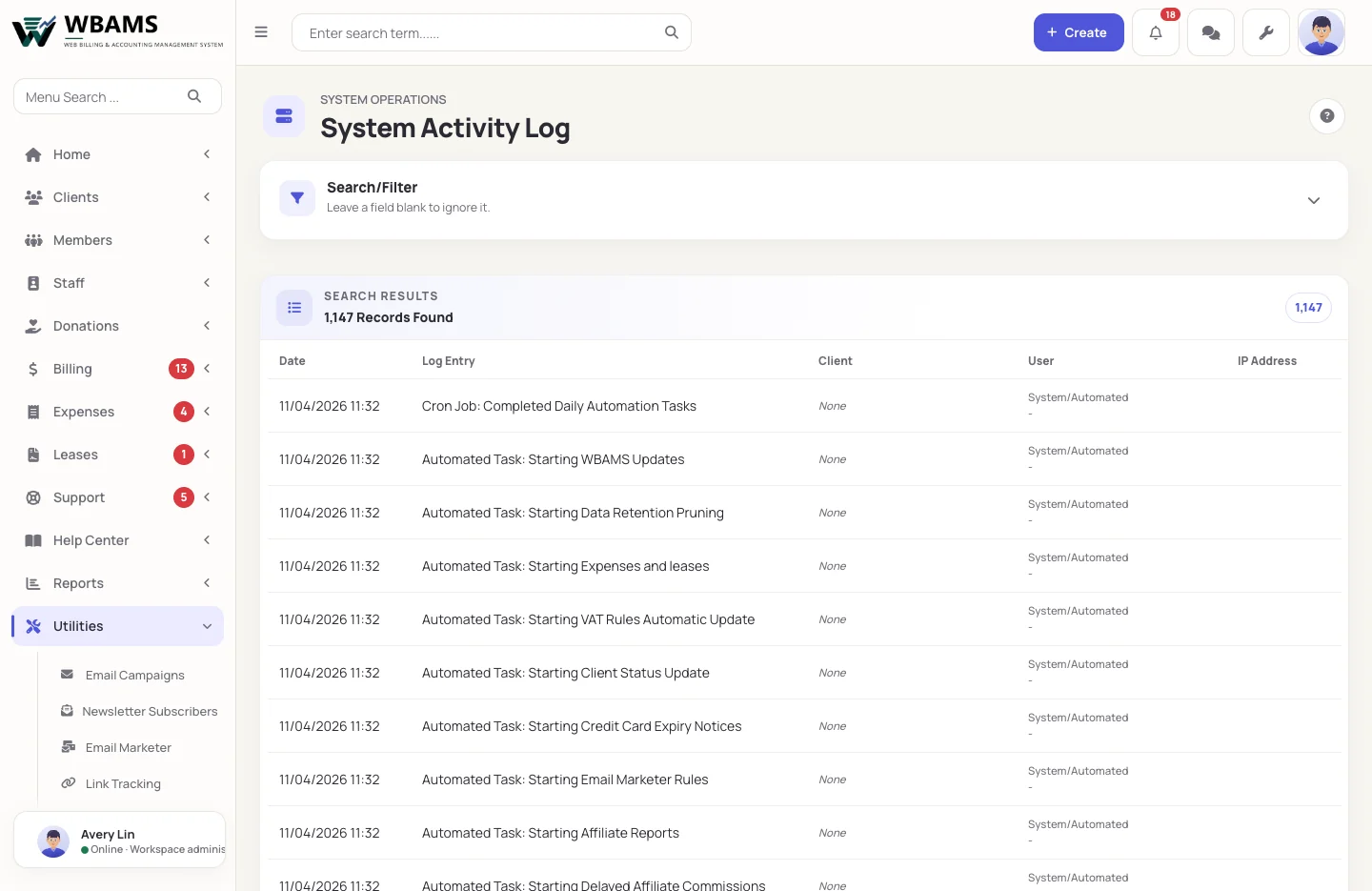
Yes. The activity log records changes with the date, the administrator and the address, and can be searched.
No. Links to invoices, quotes, emails, services, payslips and files carry a code instead of the record's number, so nobody can guess the next one. An old or wrong link shows your website's own page-not-found page.
Keep the business on your own terms
Self-hosted, role-based and verified on every update.
Powered by WBAMS