
v1.12.0October 28, 2026
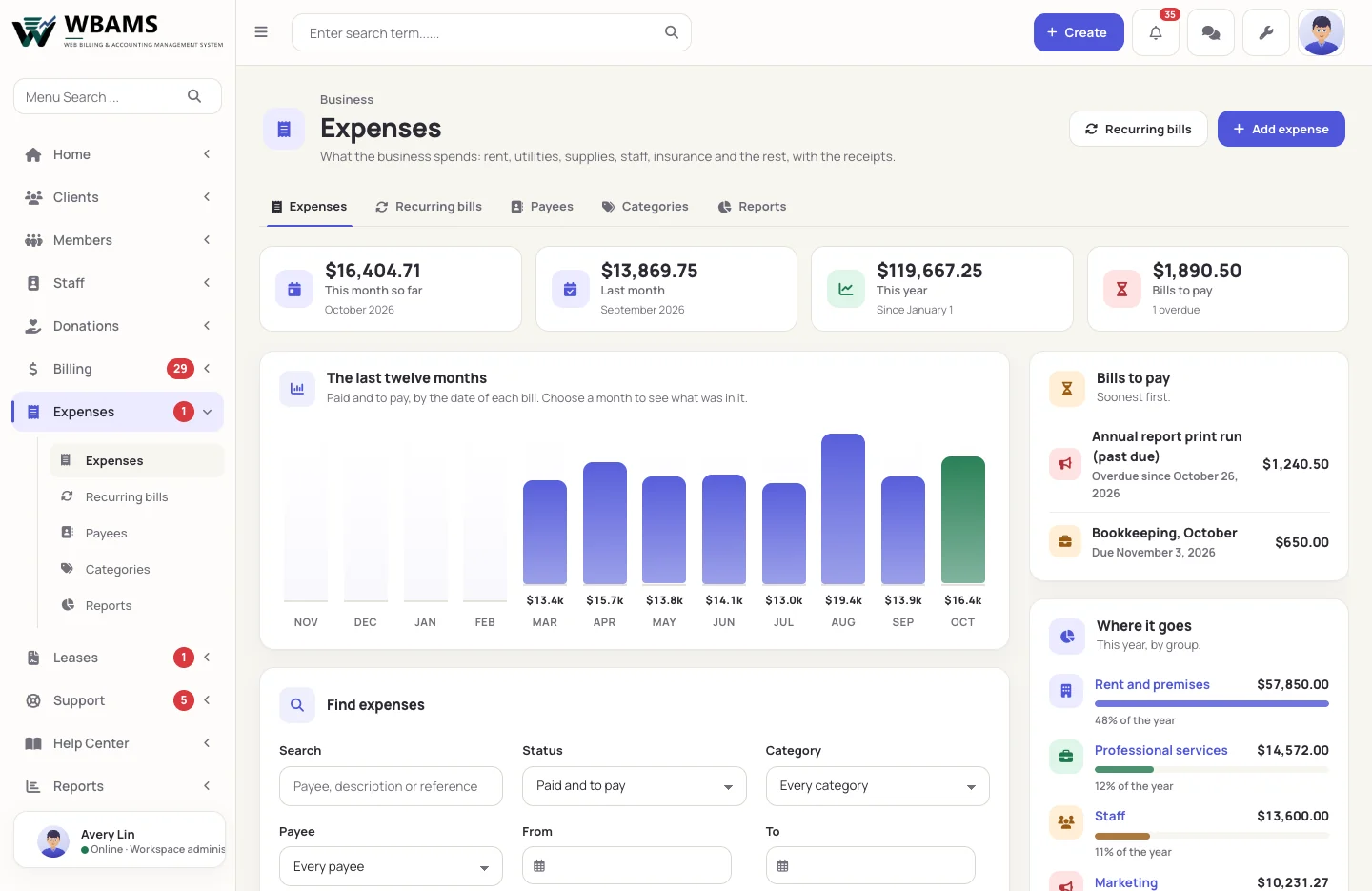
The money that goes out joins the money that comes in: expenses with their receipts, recurring bills, and the reports a lease asks for, sent on time. Staff get a home of their own, the business is described once, and the dashboard keeps itself up to date.
Highlights
- Expenses, with receipts, payees, twelve groups of categories and recurring bills that enter themselves.
- Leases: monthly sales reports from your own billing, certificates of insurance kept current and service reports, prepared on time and sent by themselves or after you check them.
- Reports that put expenses beside income, and an Annual Income Report that takes them away.
- A staff home on your website: hours, time off, payslips and the documents you share.
- One business profile for the website, emails, invoices, quotes and payslips.
- Website traffic counted by WBAMS itself, and a dashboard whose widgets refresh on their own.
Changes
- Added Expenses and Leases, two modules under Setup › Management Levels, with their own permissions.
- Added Clients › Possible duplicates: open accounts that share an email address or a phone number, to merge or to mark as two people.
- Added Text overrides: any wording of the client area, changed for each language.
- Added The business's own time zone, which due dates, reports by day and the daily automation follow.
- Added New-mail alerts in webmail, and five Content Manager permissions so a role can be given one part of the website.
- Changed Client links carry a code instead of a record's number; an old or wrong link shows the site's own page-not-found page.
- Changed Country names, and the states of the United States and Canada, in the visitor's language on client pages.
- Changed WBAMS ships 20 payment gateways. One an earlier release shipped and this one does not is left on the site but no longer loaded.
- Fixed Payment rules now apply at checkout and on invoices, and invoice and quote PDFs show the business's own logo.
Upgrading
A site on 1.11.0 or earlier is upgraded with the release's files and its installer's Upgrade this installation, which gives the database its current names and keeps every row. Everyone signs in again once afterwards, and Stripe is saved once. The steps are in the documentation.