Website builder

Build the site section by section.

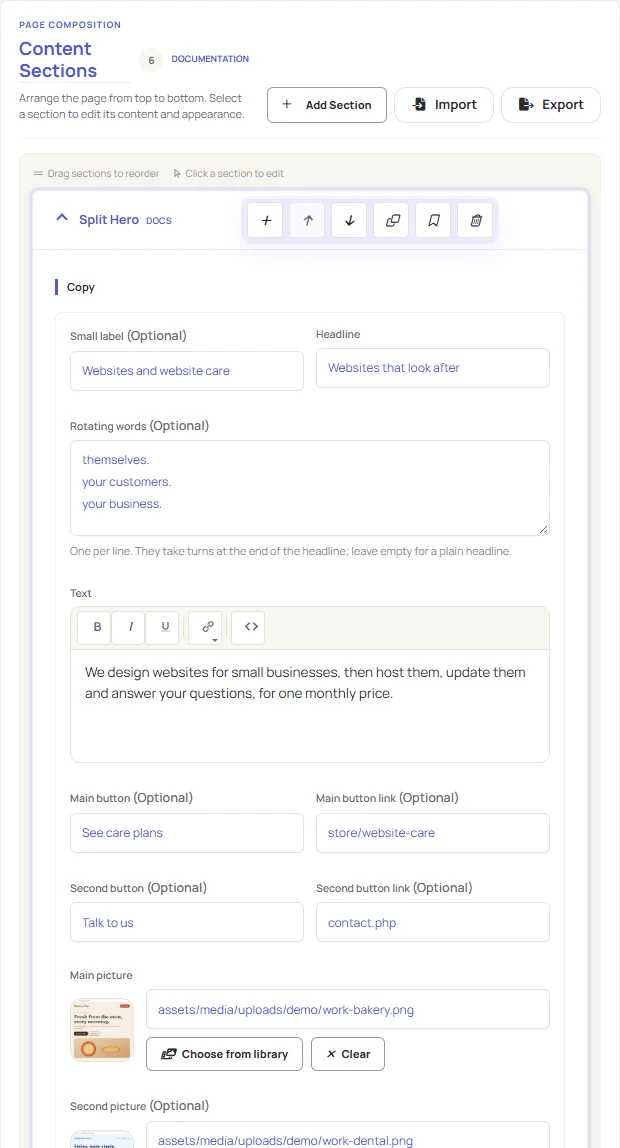
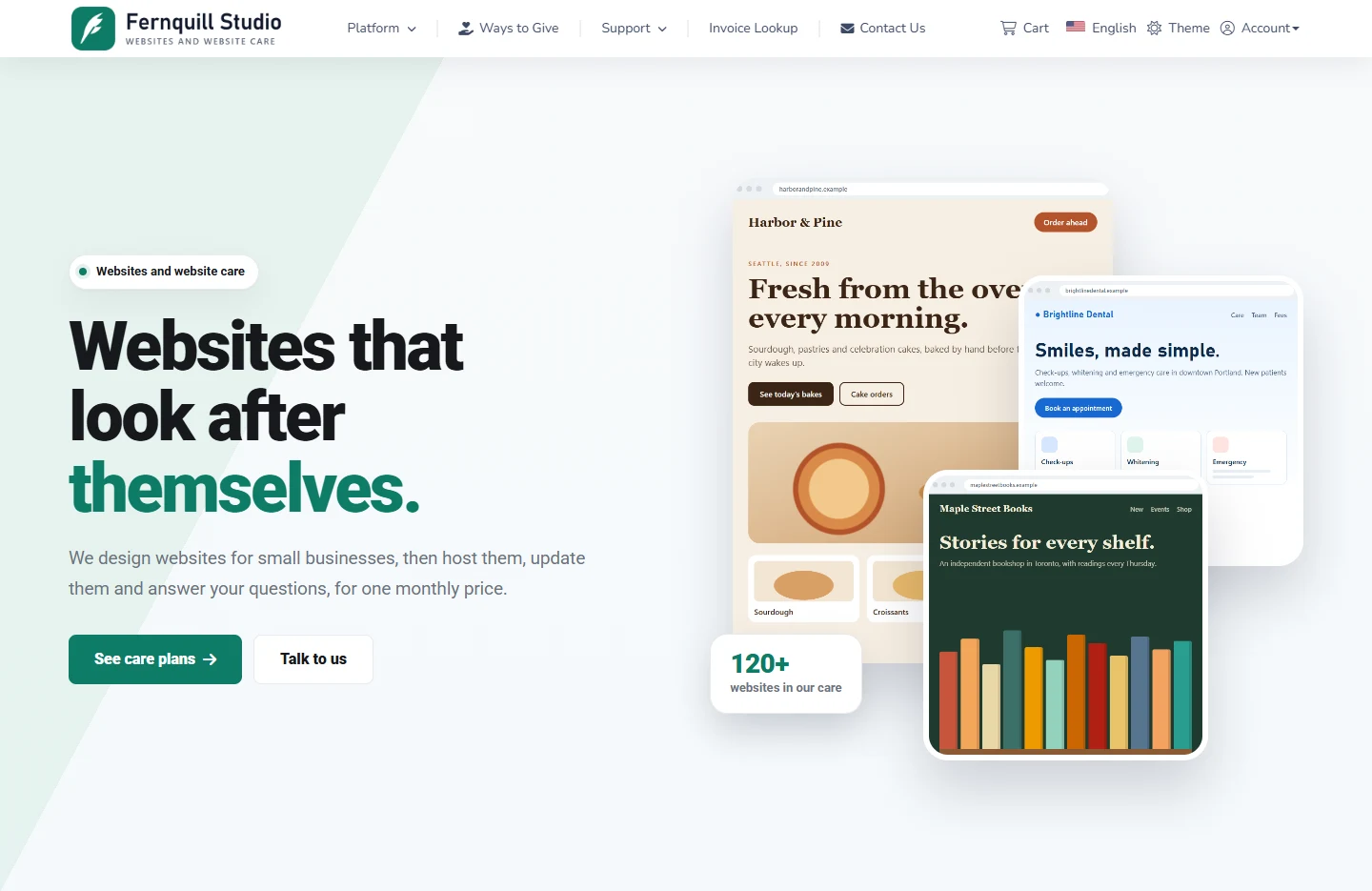
Every public page is built in the page builder from sections you fill in and arrange. This website is built that way too: every section you are reading is one of the 55.

55section types
In the builder

Made to be built with

55 Section types

Hero, commerce, giving, content and media sections.

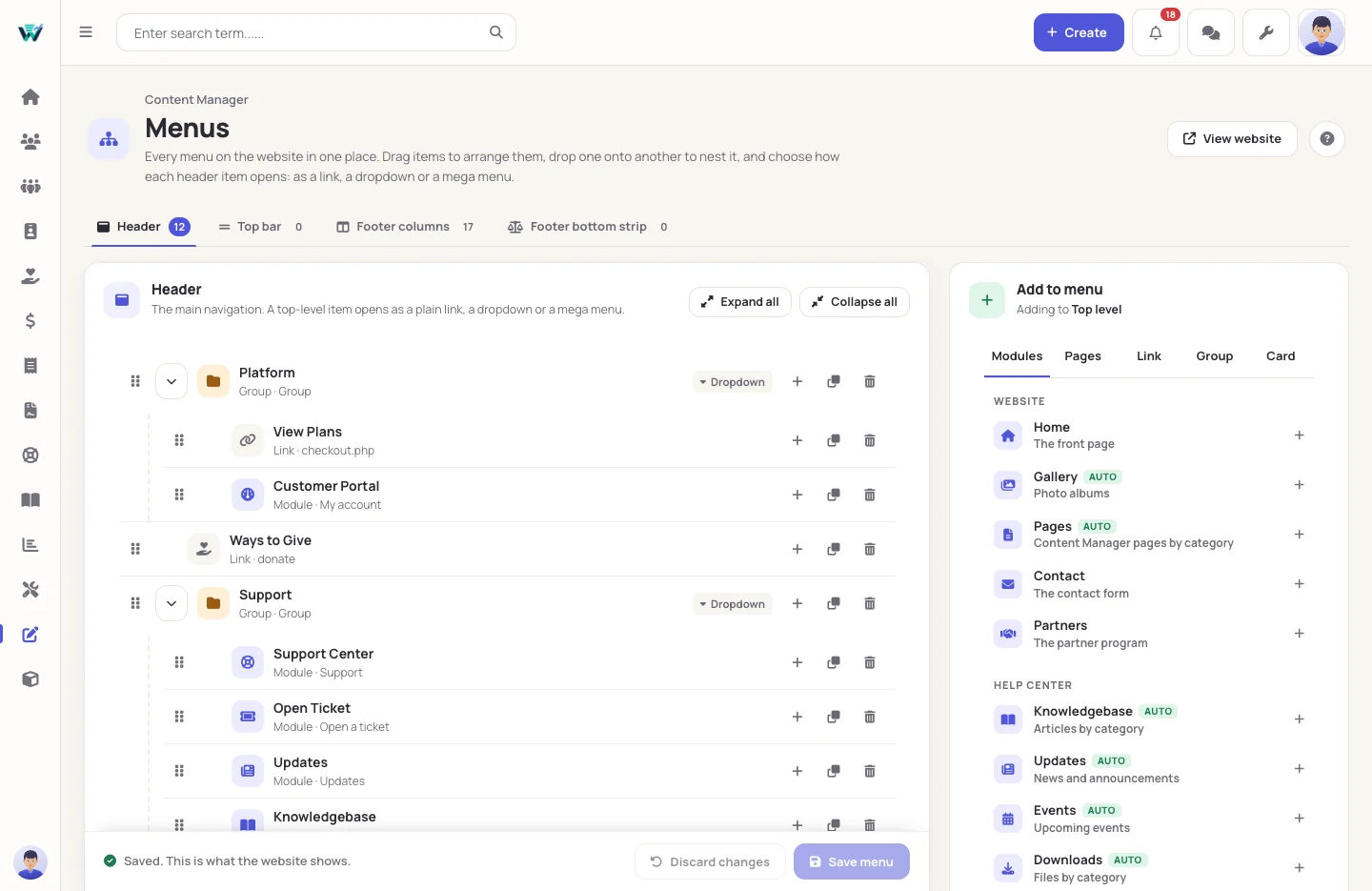
7 Mega menu layouts

From columns and cards to a showcase of pictures.

20 Revisions kept

Every save is a revision you can restore.

2 Client themes

Serepok and Draisap, each in light and dark.

The tools

Everything a website needs, in the same control panel

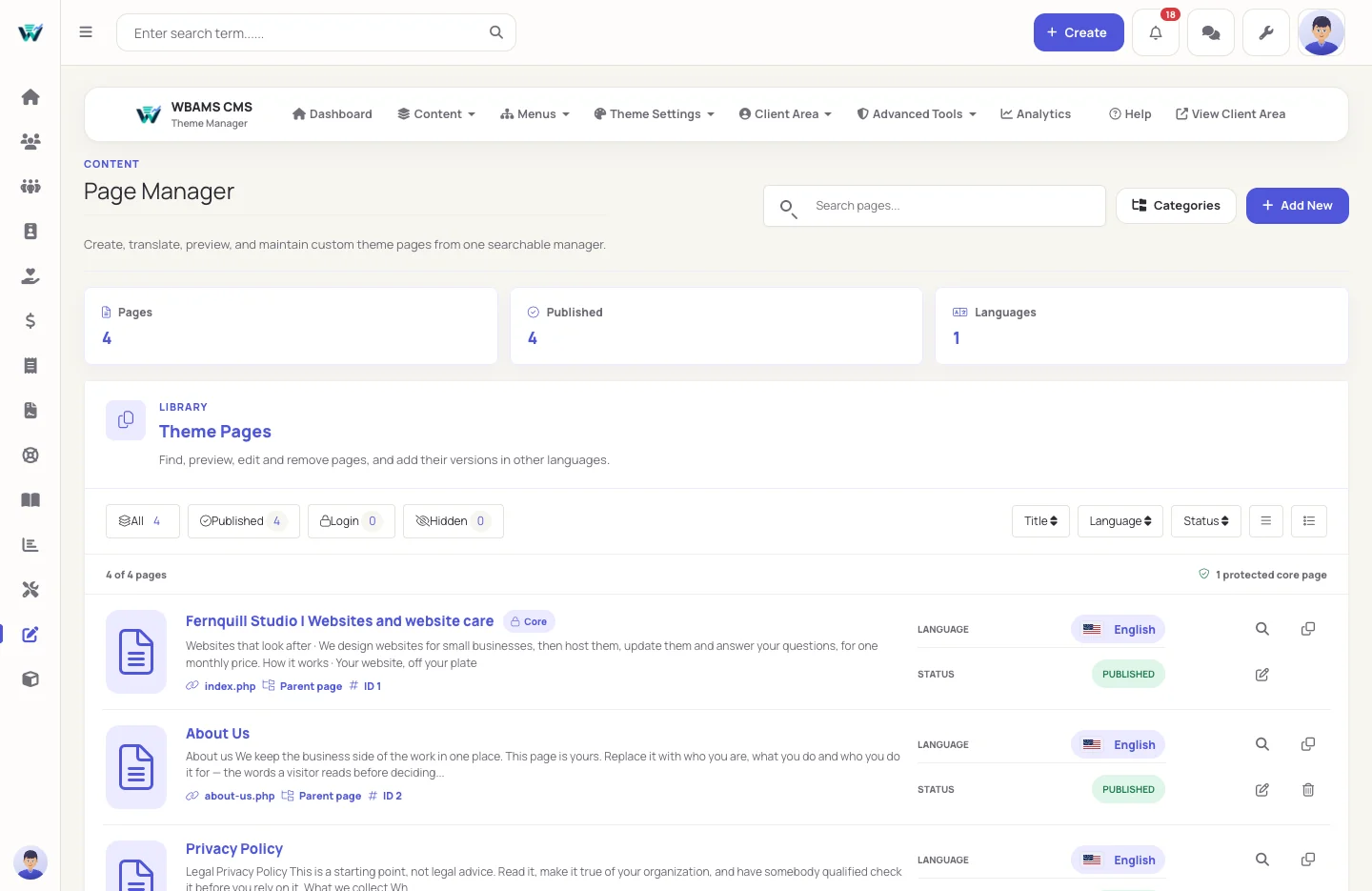
Pages you build and publish yourself

Add sections in the order your story needs, fill them in and see the result. Save drafts as often as you like, schedule a page, or publish it now.

  • Draft, scheduled and published
  • Saved blocks and page templates
  • Translations for each site language
Your business, once

Details entered once, shown everywhere

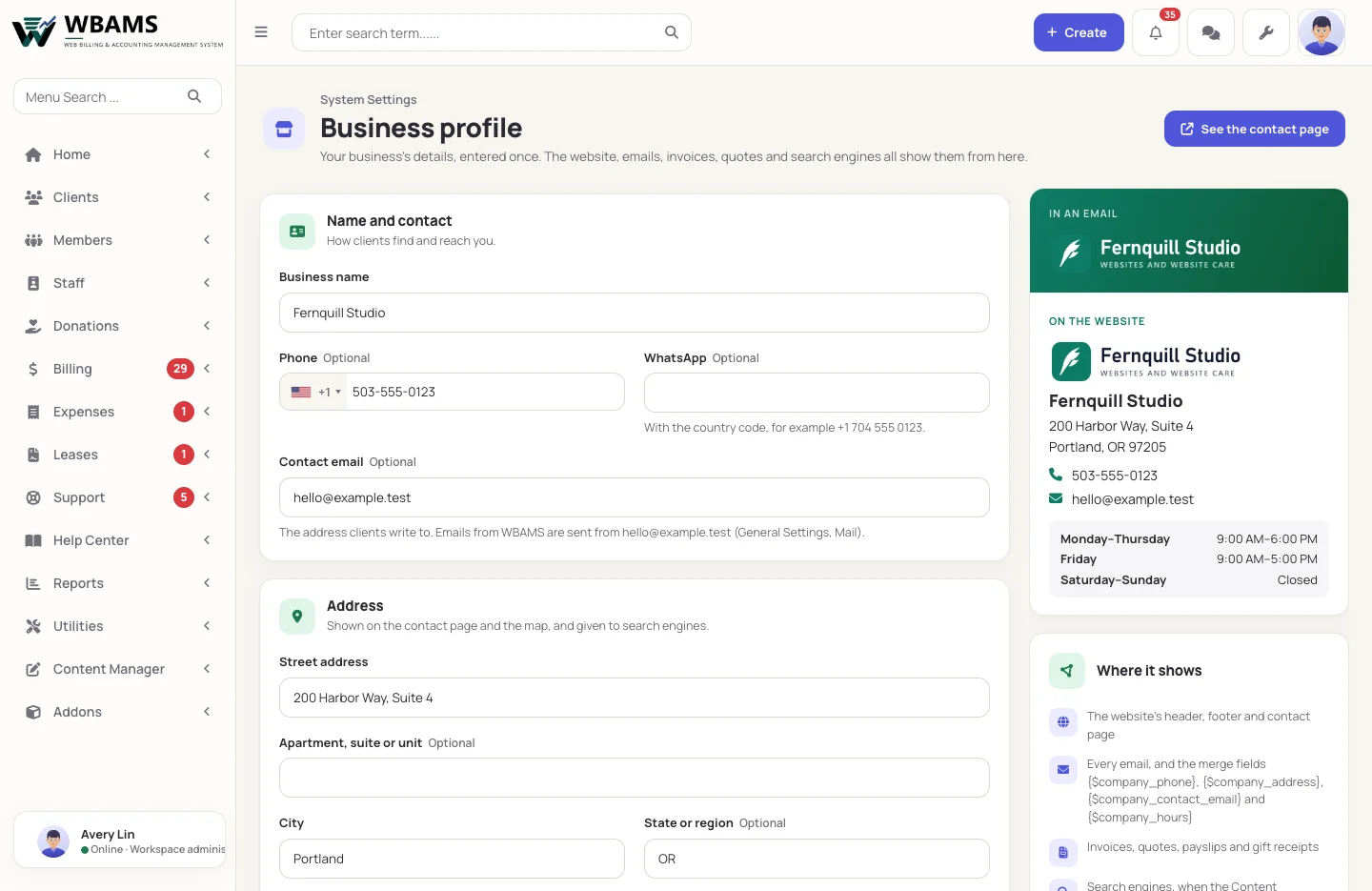
One place for your name, hours and logos
Business profile

One place for your name, hours and logos

Name, phone, WhatsApp, address, opening hours, logos for light and dark backgrounds, favicon, brand colour and social links. The header, footer and contact page, every email, invoices, quotes and payslips, and what search engines are told all read them here.

  • Opening hours with up to two spans a day
  • TikTok, Pinterest, Yelp and Google reviews among the social links
  • Merge fields for the phone, address, email and hours in emails
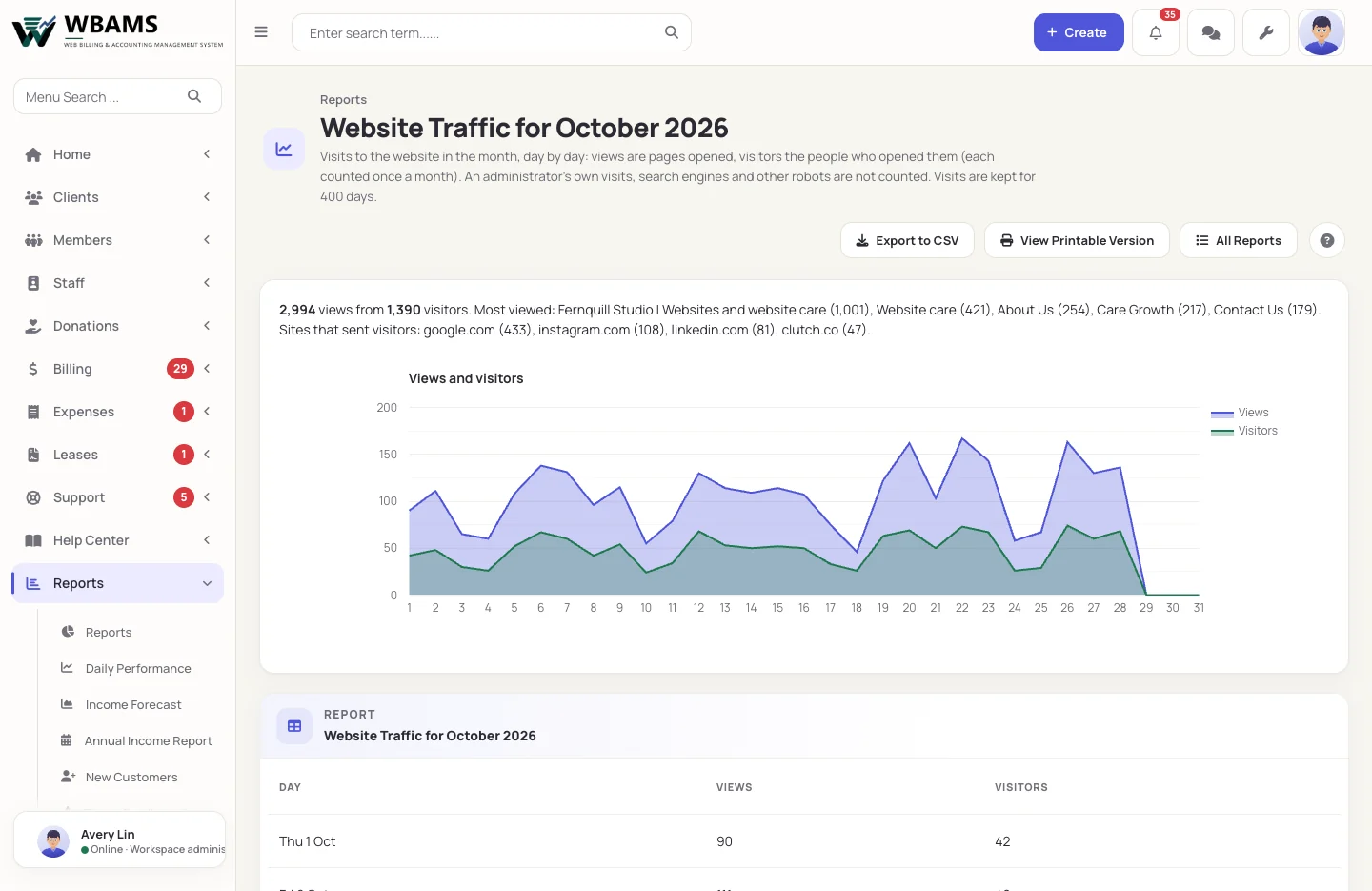
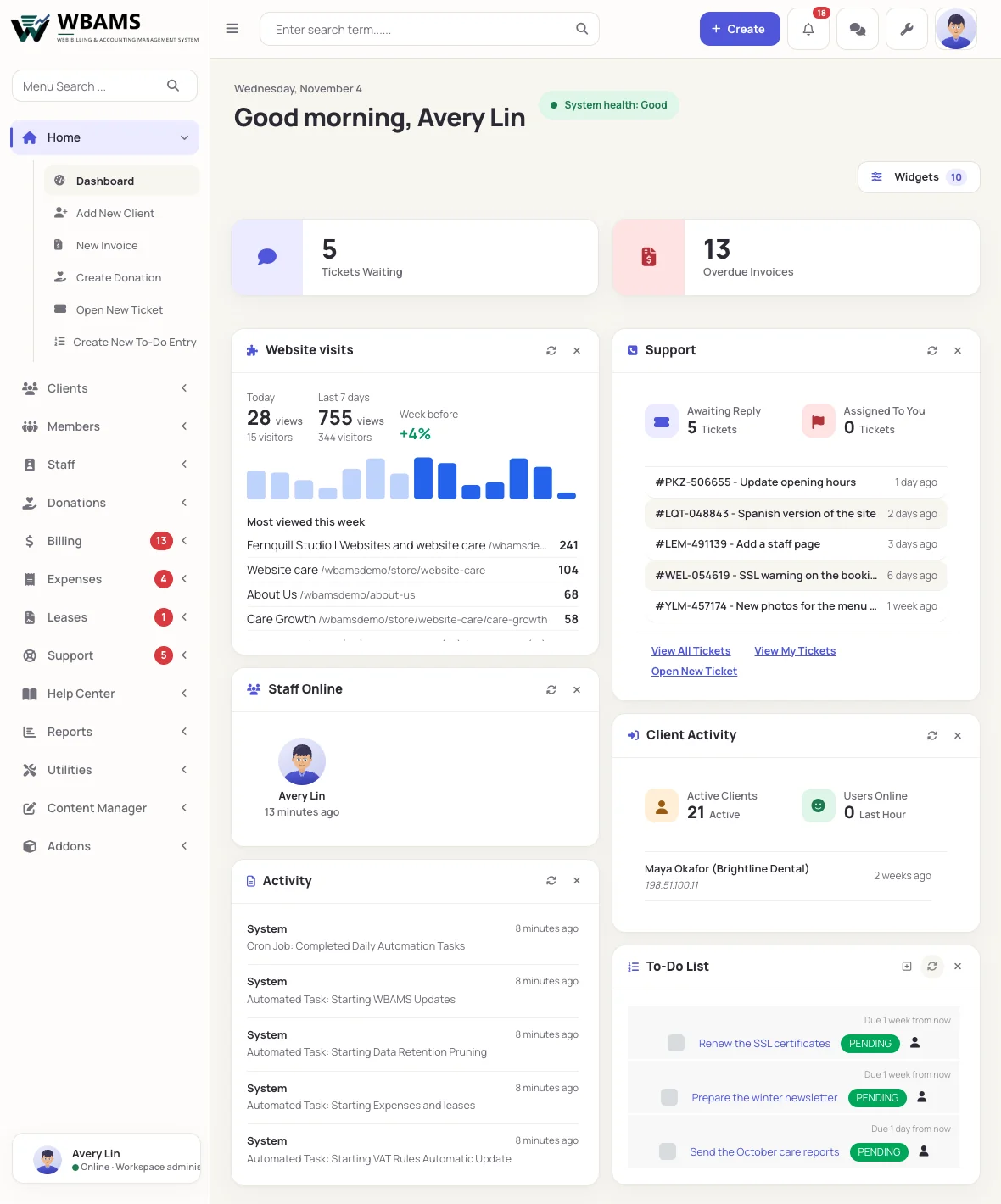
Visits counted by WBAMS itself
Website traffic

Visits counted by WBAMS itself

Today, the last seven days against the seven before, the most viewed pages and the sites that sent visitors, on the dashboard; and each month day by day under Reports.

  • Your own visits, robots and prefetches left out
  • Nothing is sent to an outside service
  • Visits kept for 400 days
A page in five steps

From blank page to published

  1. 01

    Create

    Give the page its address, title and language, or start from a page template.

  2. 02

    Build

    Add sections in the order of your story: promise, proof, detail, questions, action.

  3. 03

    Picture

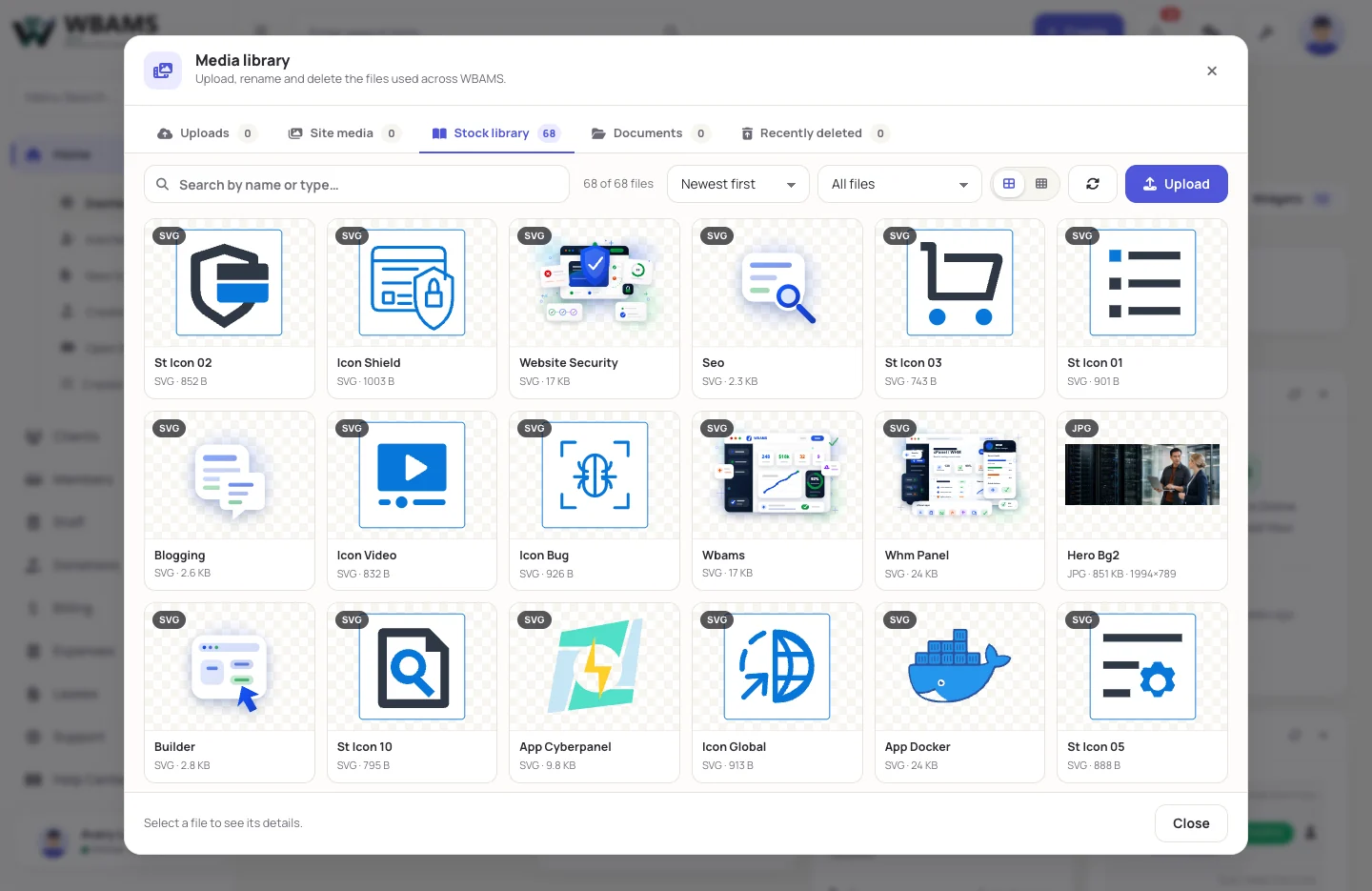
    Choose pictures from the media library and describe them for screen readers.

  4. 04

    Describe

    Set the meta title, description and the picture a shared link carries.

  5. 05

    Publish

    Preview on phone and desktop, in light and dark, then publish or schedule.

Questions

About the website builder

No. Pages are built from sections with fields. For those who want it, each page and the whole site take custom CSS and JavaScript.

Yes. Every save stores a revision, and the builder keeps the last twenty with who saved them and when. Restoring one is itself a save, so it can be undone too.

Each page has its own meta title and description, canonical address, sharing picture and sitemap settings. WBAMS answers sitemap.xml and robots.txt itself.

Yes. WBAMS runs on your own domain, and friendly addresses such as /about-us can be switched on.

Yes. An active add-on can offer sections of its own, listed under their own heading in the section library.

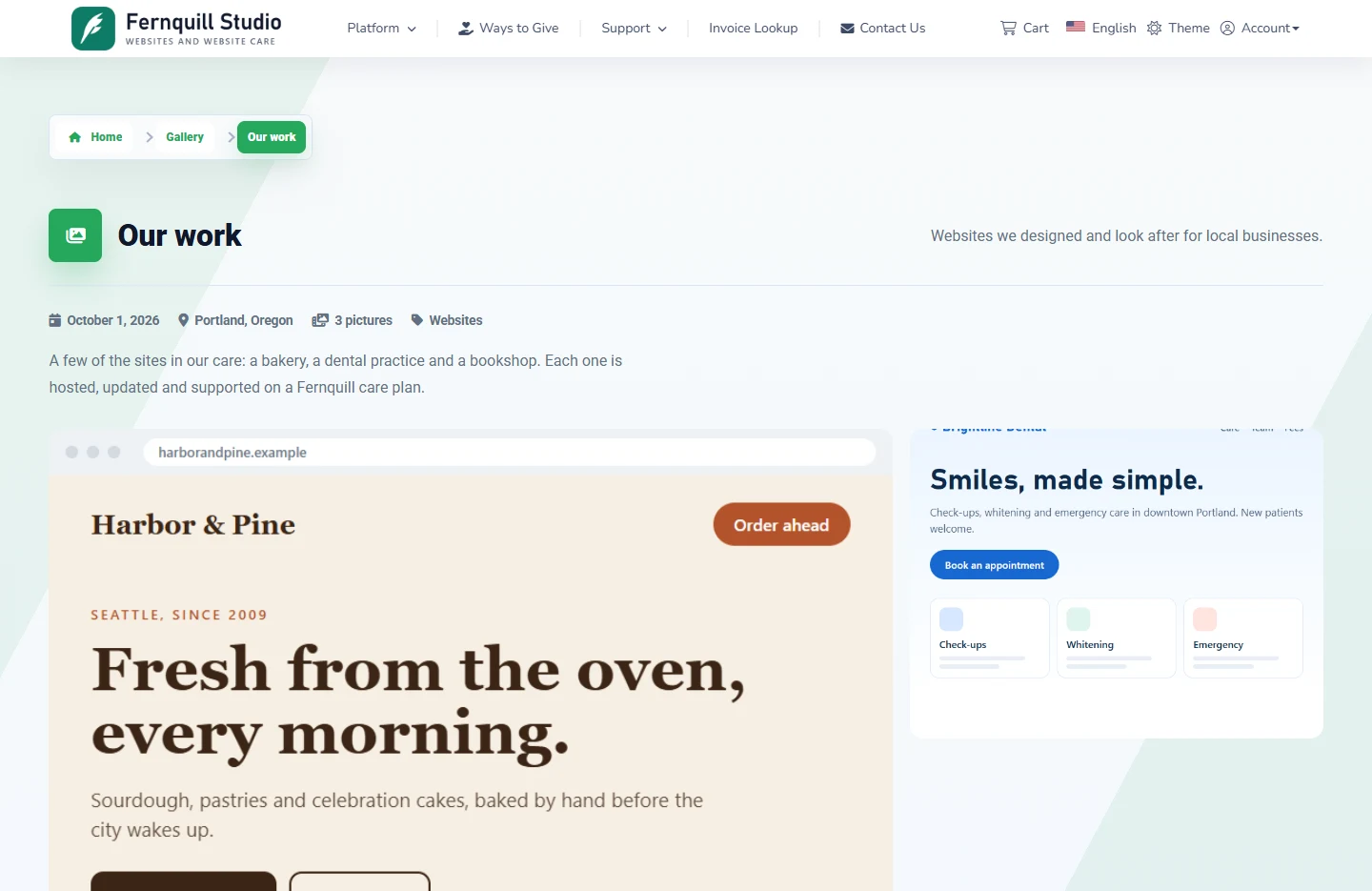
Yes. Testimonials can show your clients' reviews, FAQs a knowledgebase category, the Logo Wall your logo gallery, the gallery sections your albums and the Resource List your downloads, and Contact Location reads the business profile. Change the record and the page follows.

Your site, your way

Build the website your business deserves

The website builder comes with every WBAMS license.

Powered by WBAMS